

SETUP GUIDE · 3 MINUTES
How to connect a Stalker portal.
To connect a Stalker or Ministra portal, choose Stalker / Ministra on the first screen, then enter the portal address and the MAC address your IPTV provider registered. OVVOS TV then downloads your library and asks which categories you want.
What you need
Two details from your provider. OVVOS TV does not supply them.
- Portal address
- http://your-provider.com/c/
- MAC address
- 00:1A:79:XX:XX:XX
Your details are stored only on your device.
Step by step
-
1
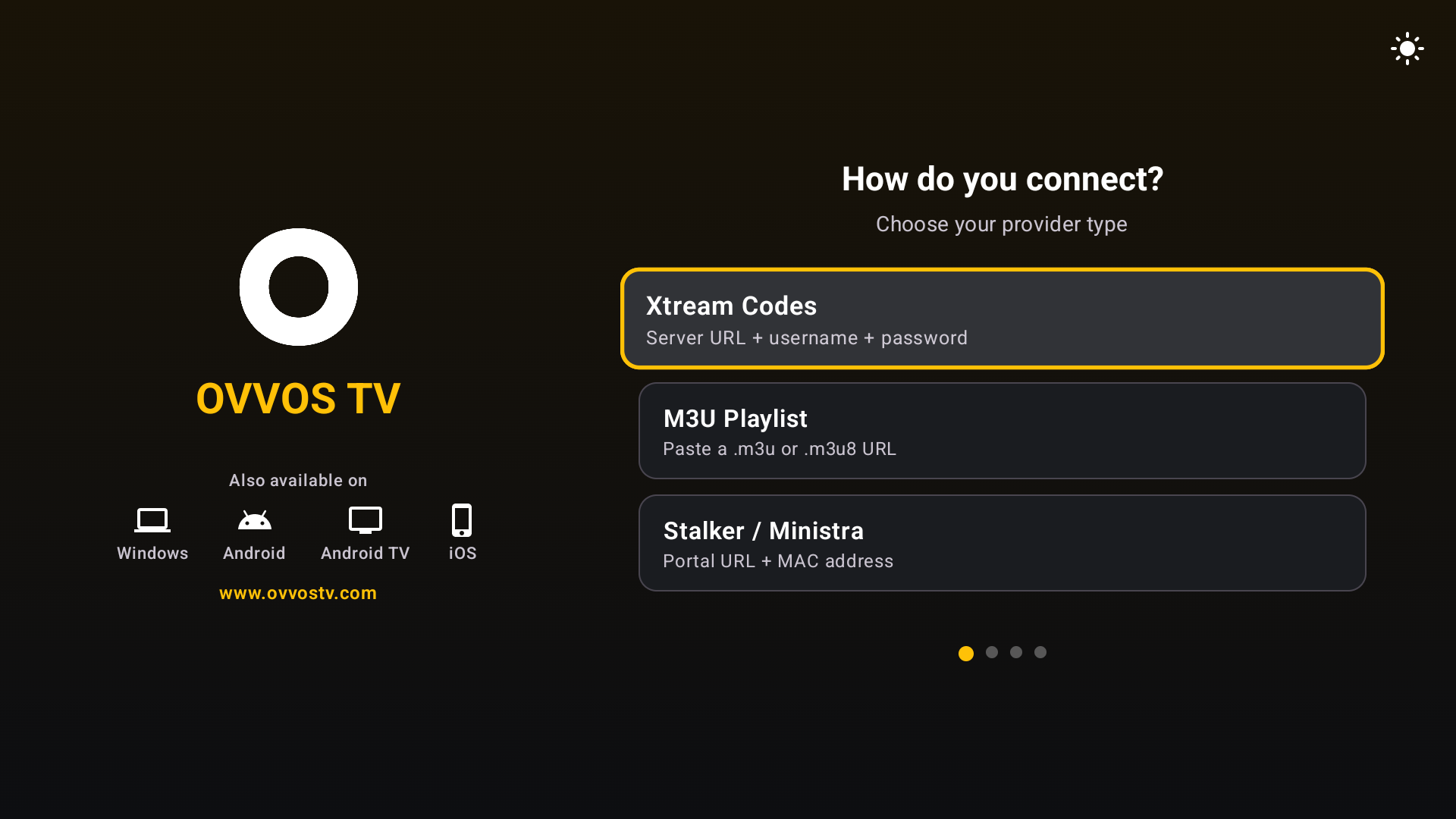
Choose Stalker / Ministra
After accepting the player notice, pick Stalker / Ministra on "How do you connect?".
-
2
Enter the portal address
Exactly as your provider gave it. Portal addresses often end in /c/.
-
3
Enter the MAC address
Use the format 00:1A:79:XX:XX:XX, matching what your provider registered.
-
4
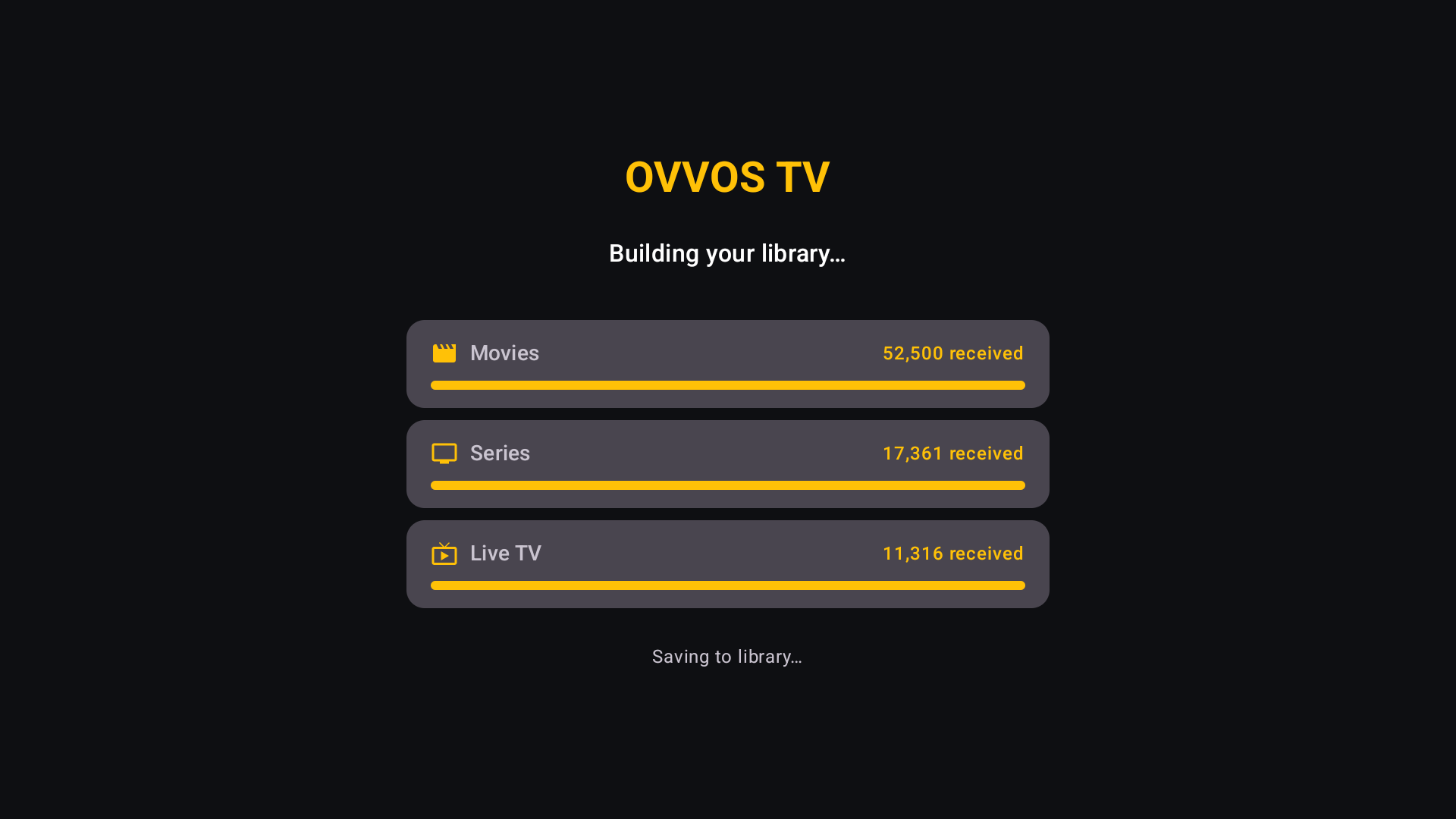
Wait while your library builds
Movies, series and live channels download with progress bars. Usually a minute or two.
-
5
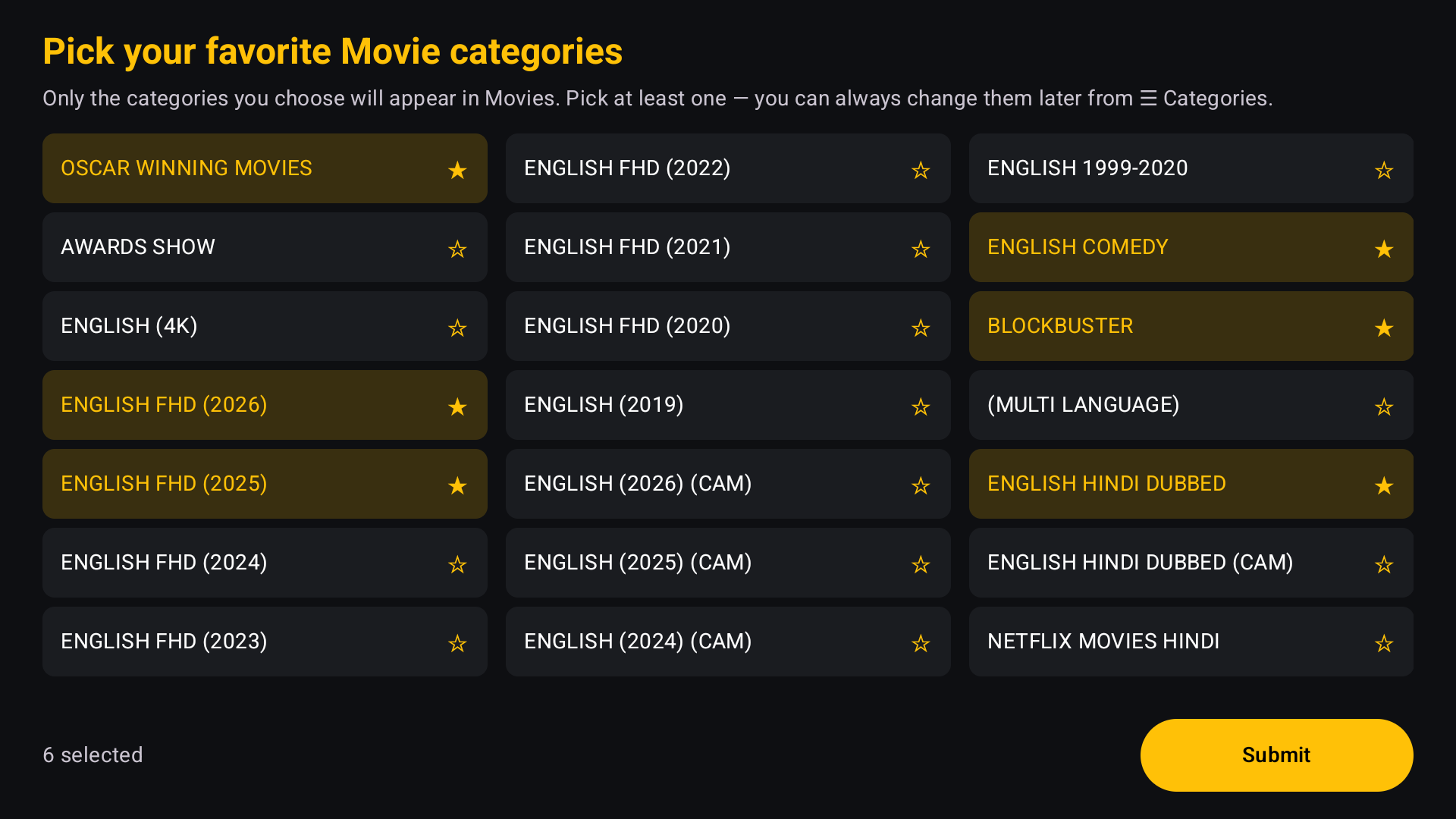
Pick your categories
Choose the movie and then series categories you want. You can change them later.
About the MAC address
A Stalker portal recognises you by MAC address instead of a username and password. Enter exactly the MAC address your provider registered for your subscription. If they also gave you Xtream Codes details, signing in with Xtream Codes is usually simpler.
If sign-in fails
Portal not found
Check the address, including http:// and any ending such as /c/. Copy it from your provider's message rather than typing.
MAC address not accepted
The MAC address must match the one your provider registered, character for character. Ask your provider to confirm it.
The line has expired
Your provider subscription has ended. Renew it with your provider; OVVOS TV cannot extend it.
Signed in, but a stream won't play
Usually your provider's connection limit has been reached on another device. The app shows the reason and a Try again button.
Still stuck? Email support@ovvostv.com with your Trial ID from Settings → About & Legal.