

AVAILABLE ON GOOGLE PLAY
OVVOS TV for Android phone and tablet.
The same library, plots and live guide as on your TV, in a touch layout that works in portrait and landscape. One Google Play subscription covers your phone, tablet and Android TV.
Works on
Any Android phone or tablet on Android 9 or newer. Tablets get the roomier TV-style layouts in landscape.
Also on your TV
Your subscription also unlocks Android TV and Google TV on the same Google account. Android TV setup →
Safe to install
From Google Play, signed by Play App Signing and scanned by Play Protect. No APK and no unknown-sources setting needed.
ABOUT FIVE MINUTES
Set up OVVOS TV on your phone.
Install OVVOS TV from Google Play, open it and follow the screens below. The first sync takes a few minutes on Wi-Fi.
-
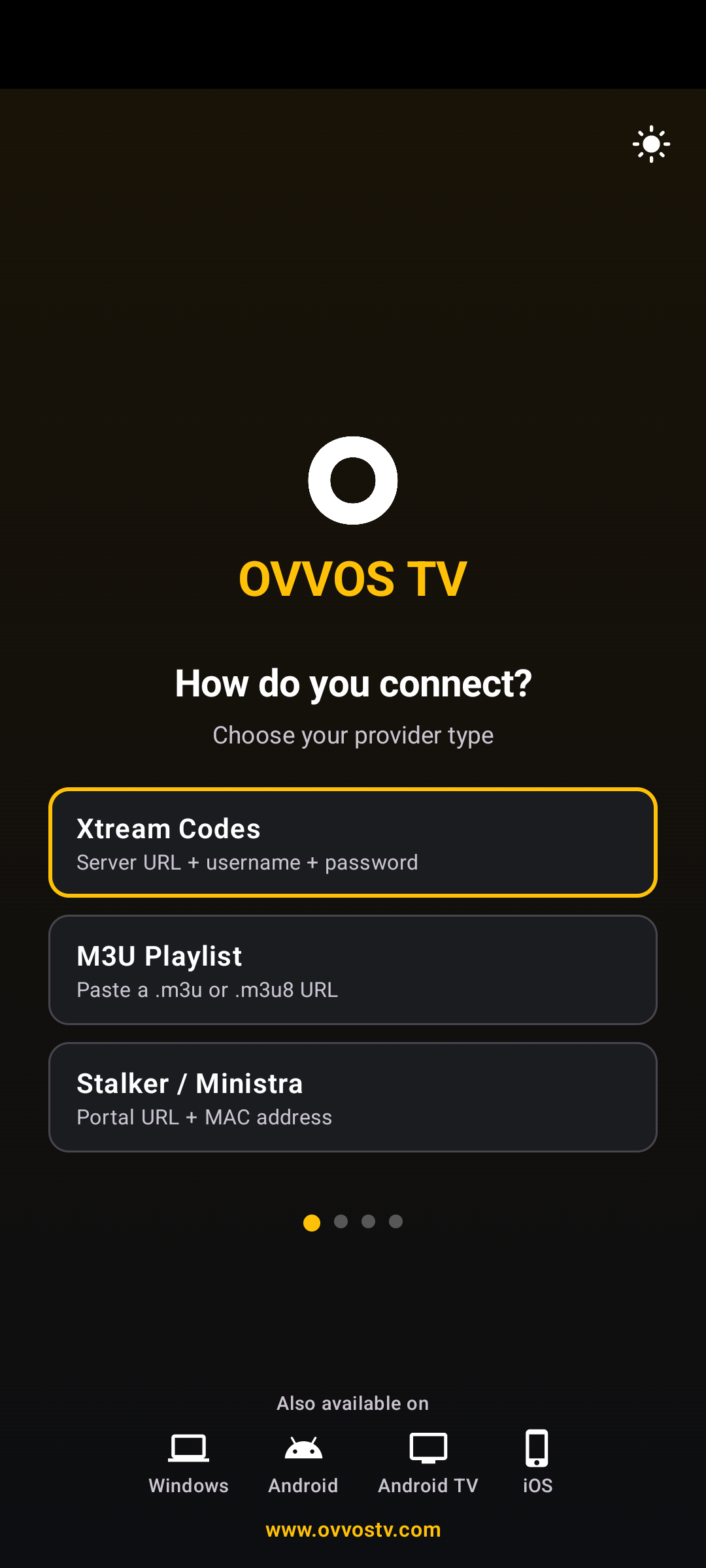 01Choose how you connectAccept the player notice, then pick Xtream Codes, M3U or Stalker.
 -
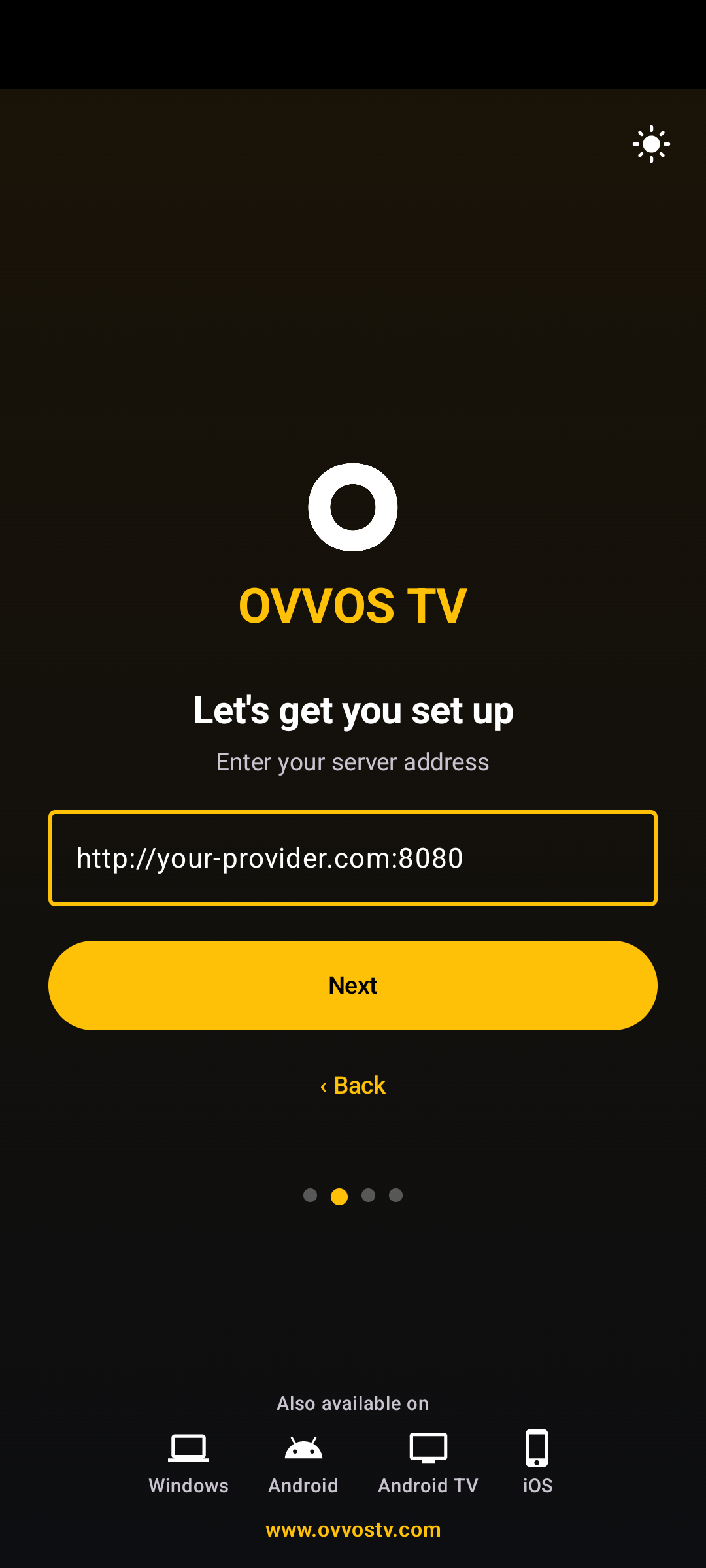 02Sign inServer, username, password — one per screen, with progress dots.
 -
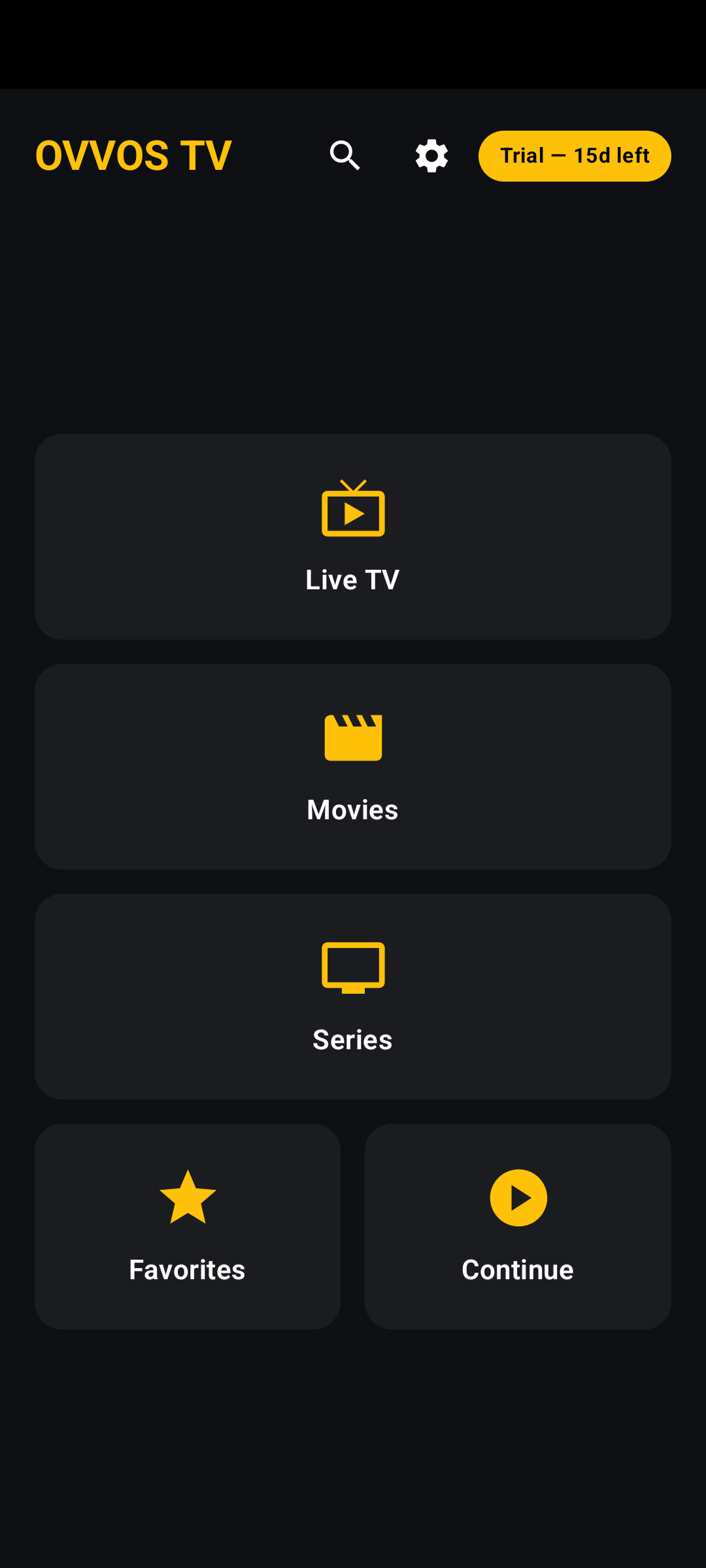
03Your home hubAfter the first sync and category picks, the hub opens.
-
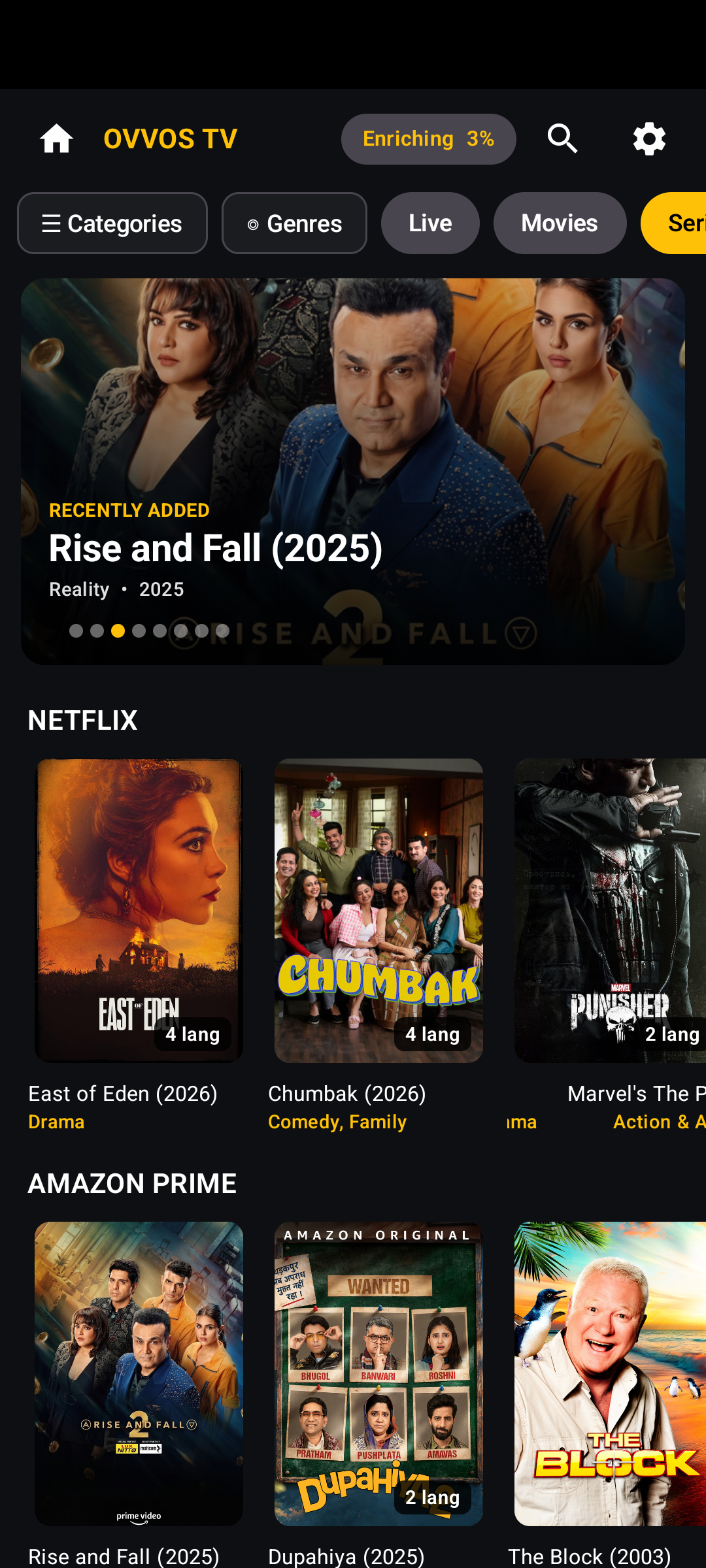
04BrowseFeatured banner and three-across poster rows.
-
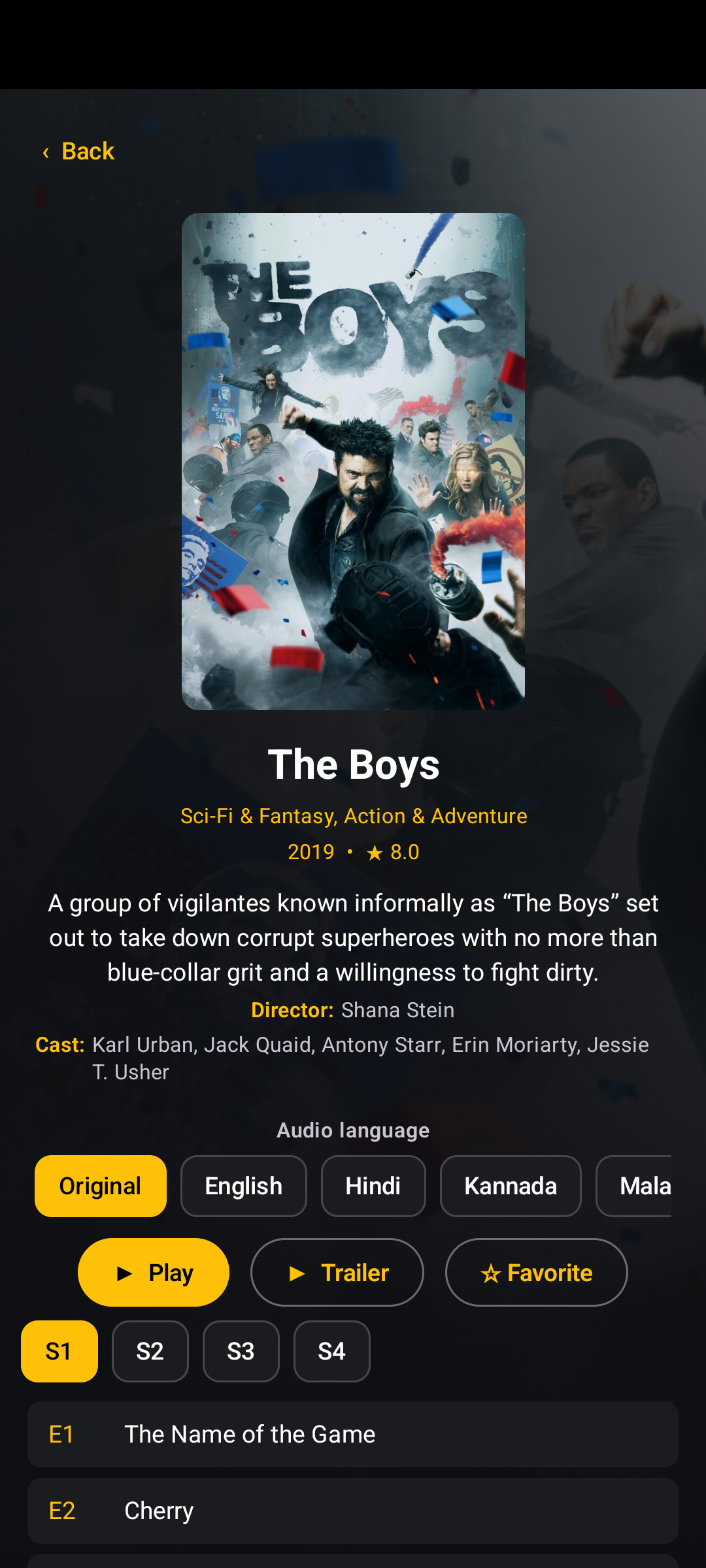
05Pick your languageChoose the audio language on the title page.
-
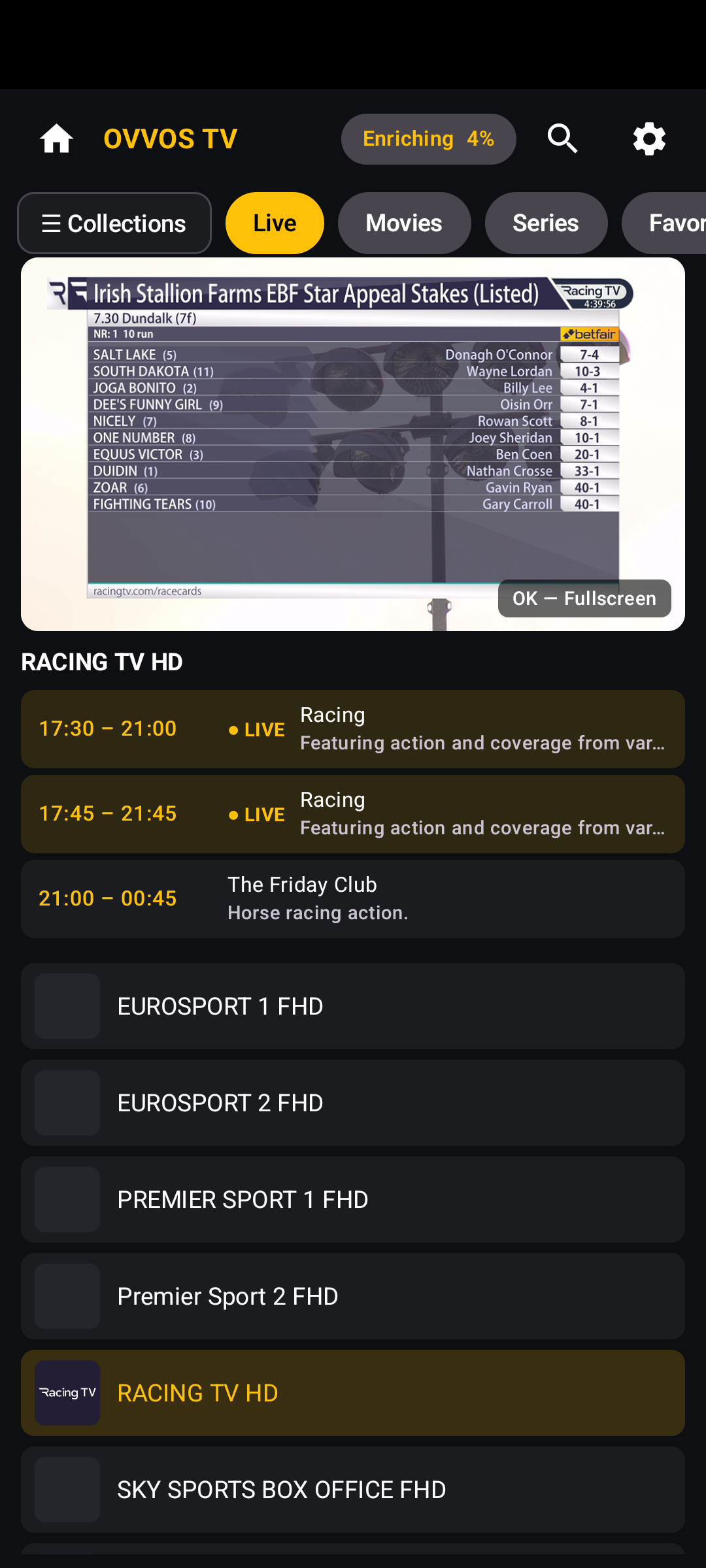 06Live TVPreview on top, guide and channel list below.
Need help finding your login? How to log in with Xtream Codes →
Turn it sideways.
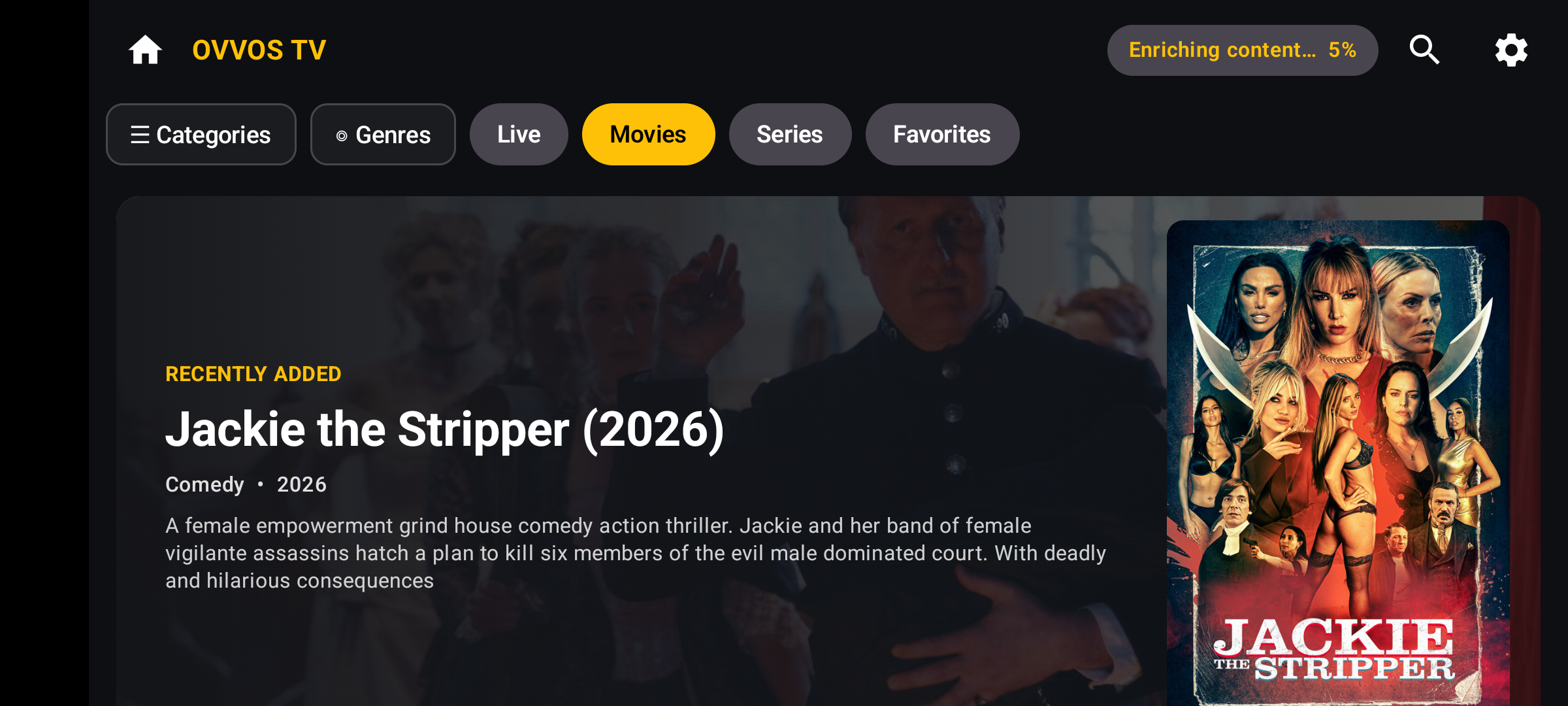
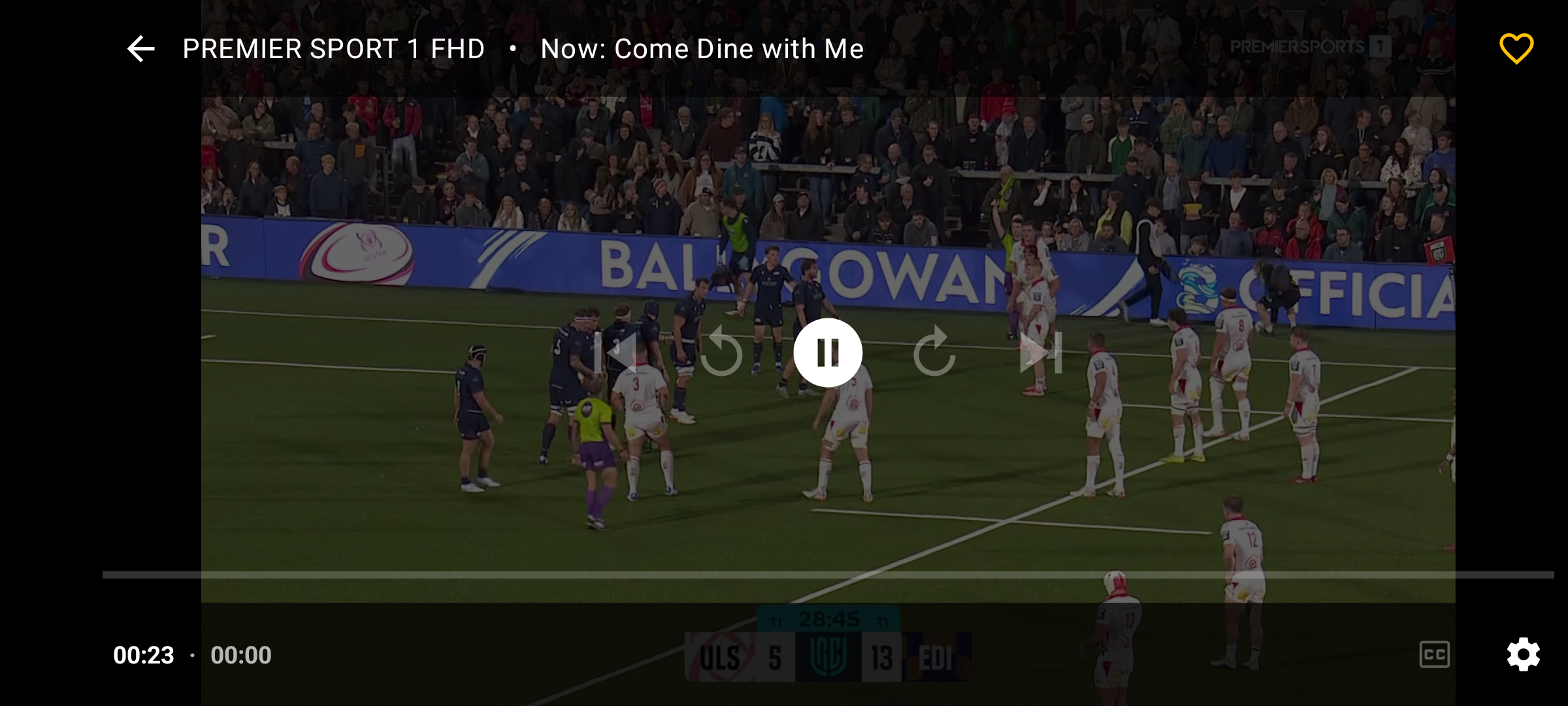
Rotate your phone and Movies, Series and Live TV switch to landscape layouts. Fullscreen live TV shows what's on now in the top bar.
Phone and tablet questions
Does OVVOS TV work on Android phones?
Yes. Any Android phone or tablet on Android 9 or newer, in portrait and landscape.
Does one subscription cover my phone and my TV?
Yes. One Google Play subscription covers every Android phone, tablet and TV on the same Google account. It does not cover Windows or Apple.
Is it on iPhone?
iPhone, iPad and Apple TV are coming soon to the App Store. Join the list to hear first.
Do my favourites sync between phone and TV?
No. Your login, favourites and history stay on each device and are never sent to OVVOS TV.