

FEATURES · VERSION 1.6.0
Everything OVVOS TV does.
OVVOS TV is an IPTV player for Android TV, Google TV, phones and tablets. It indexes and organises your provider's Xtream Codes, M3U or Stalker library on the device, so it looks like a streaming service and browsing never waits on the network.
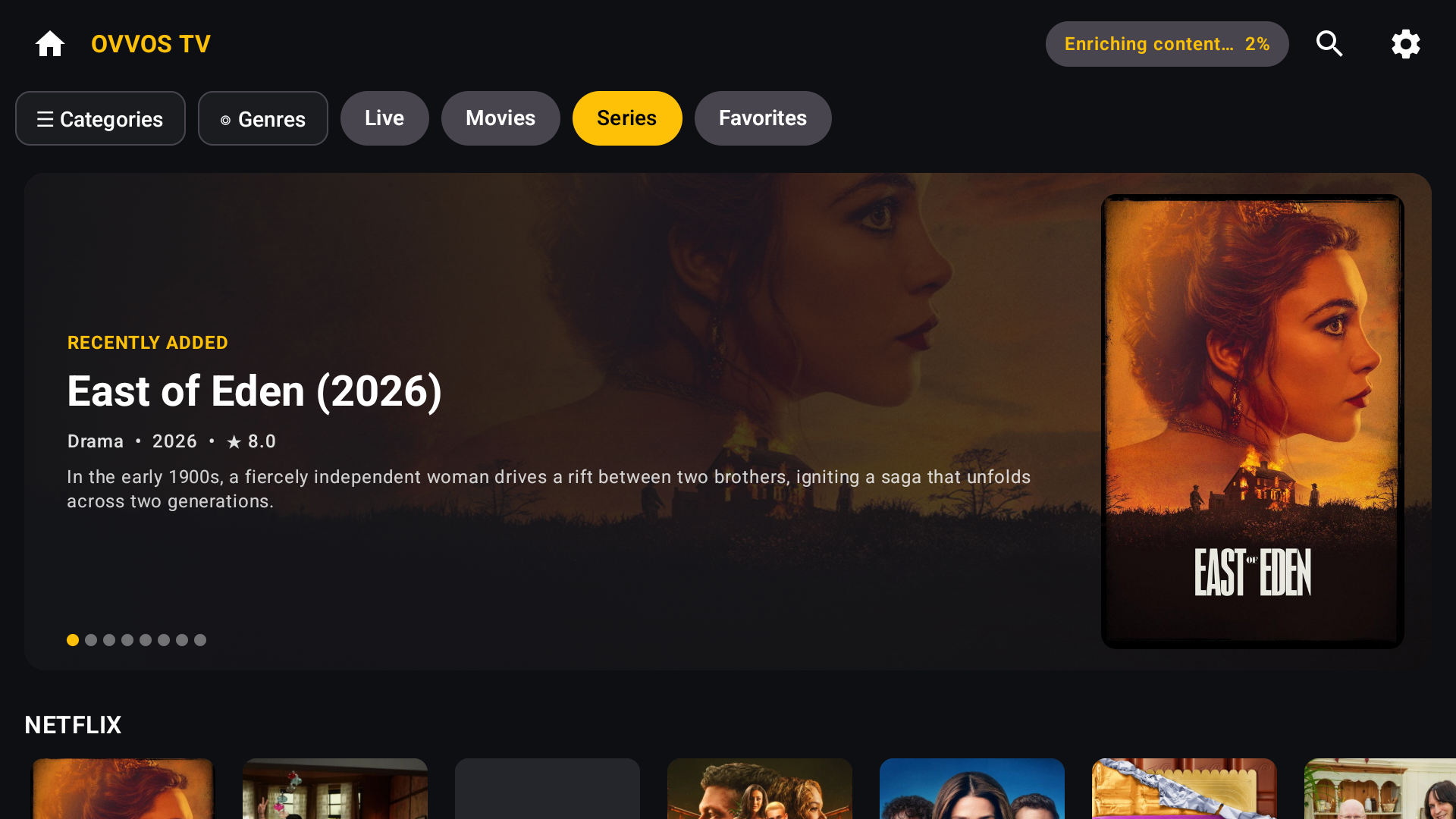
LOOKS AND FEELS LIKE A STREAMING SERVICE
Posters, rows and a featured banner.
Your provider's library, laid out the way the big streaming apps do it.
- Home hub with Live TV, Movies, Series, Favorites and Continue Watching
- Rotating featured banner with plot, genres, year, rating and backdrop
- Poster rows for each category you chose, newest first
- Progress bars on half-watched titles and ticks on finished episodes
- Dark and light themes
NEW IN 1.6.0
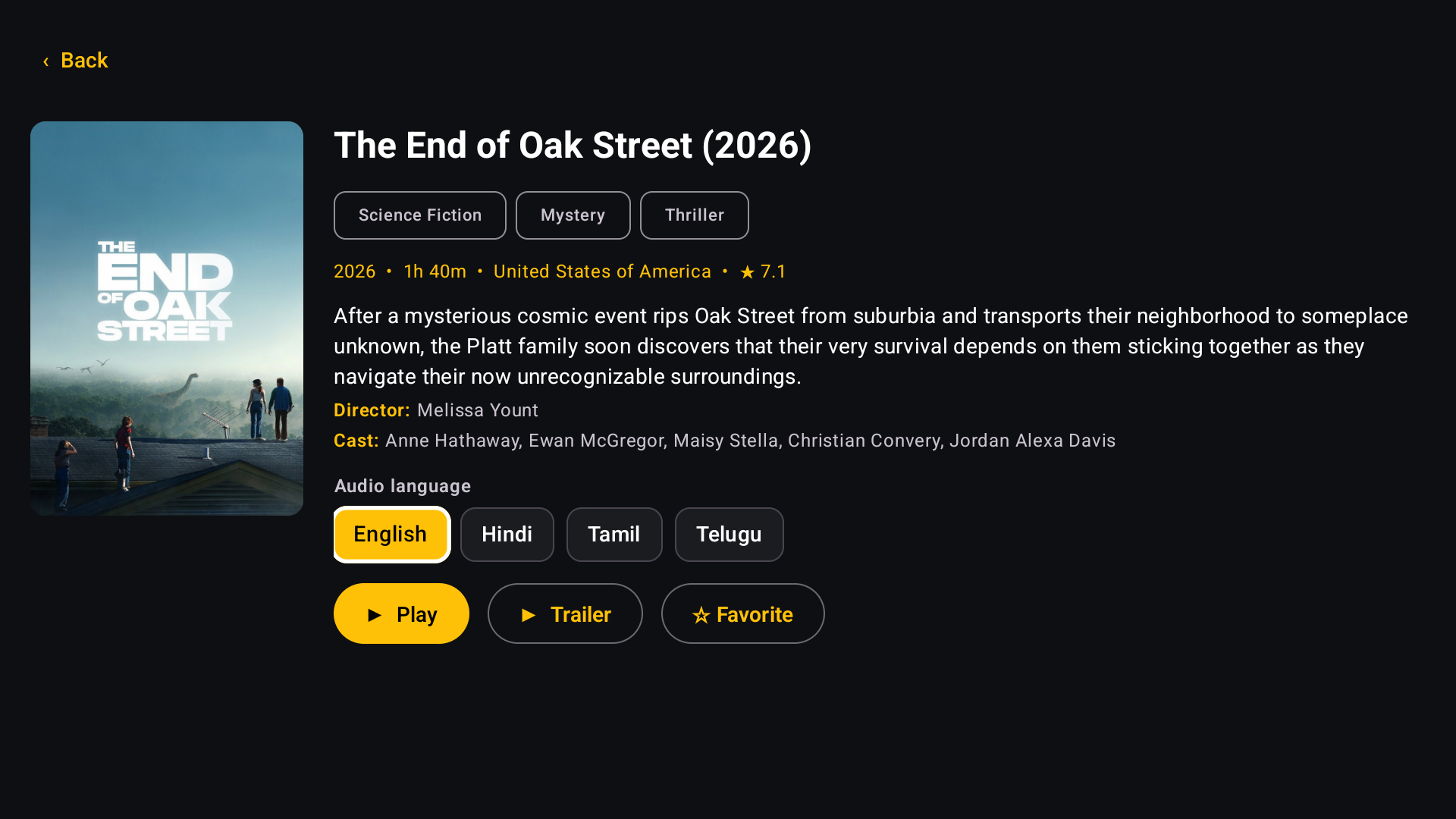
One card per title, in your language.
Providers often list the same film once per audio language. OVVOS TV shows it once.
- A badge such as "4 lang" says how many languages are available
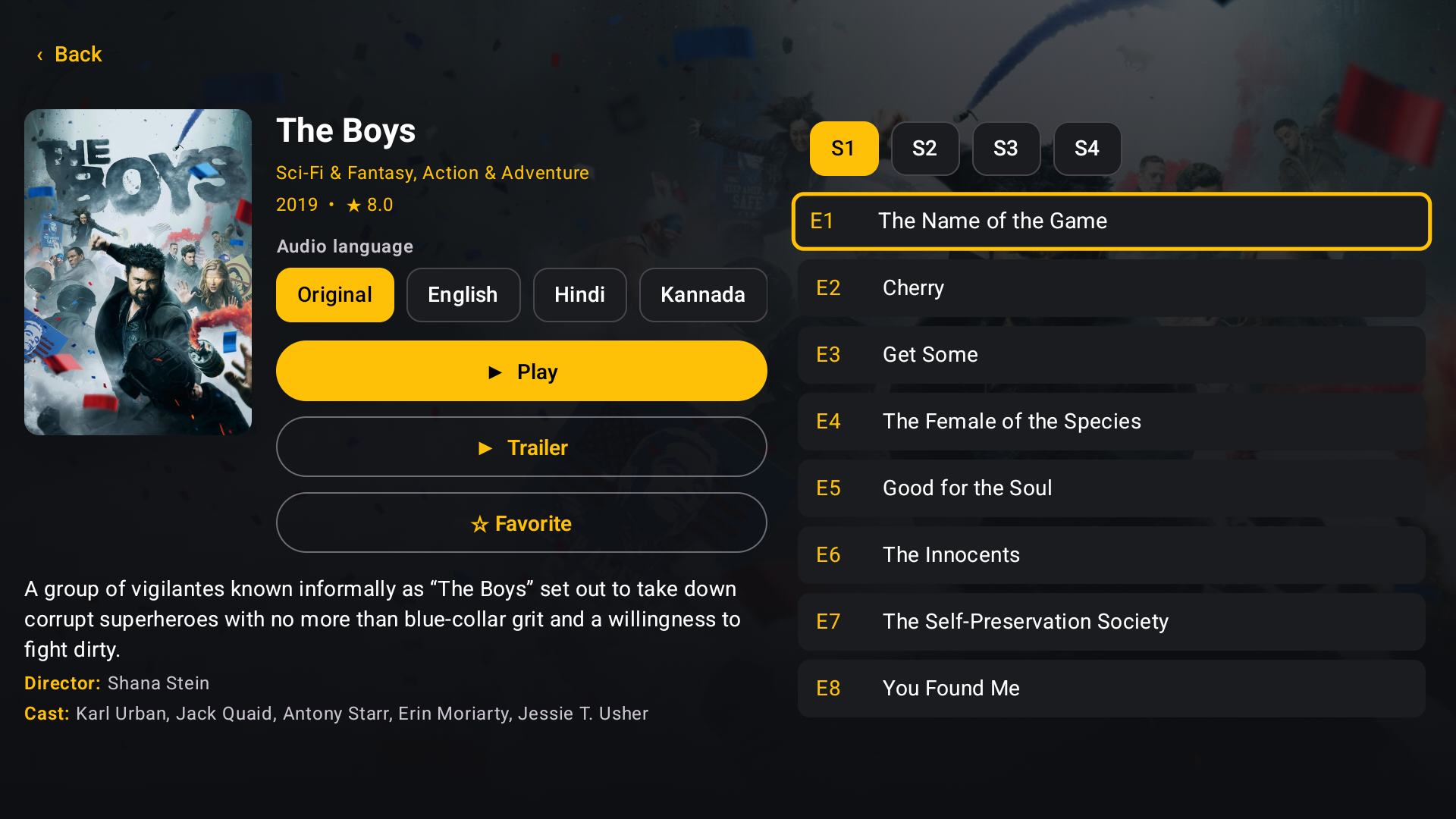
- Pick Original, English, Hindi, Tamil and more on the detail page
- Play, episodes and Favorites follow your choice
- Your language is remembered for the next title
- Same name, different year stays separate
- Can be switched off in Settings
NEW IN 1.6.0
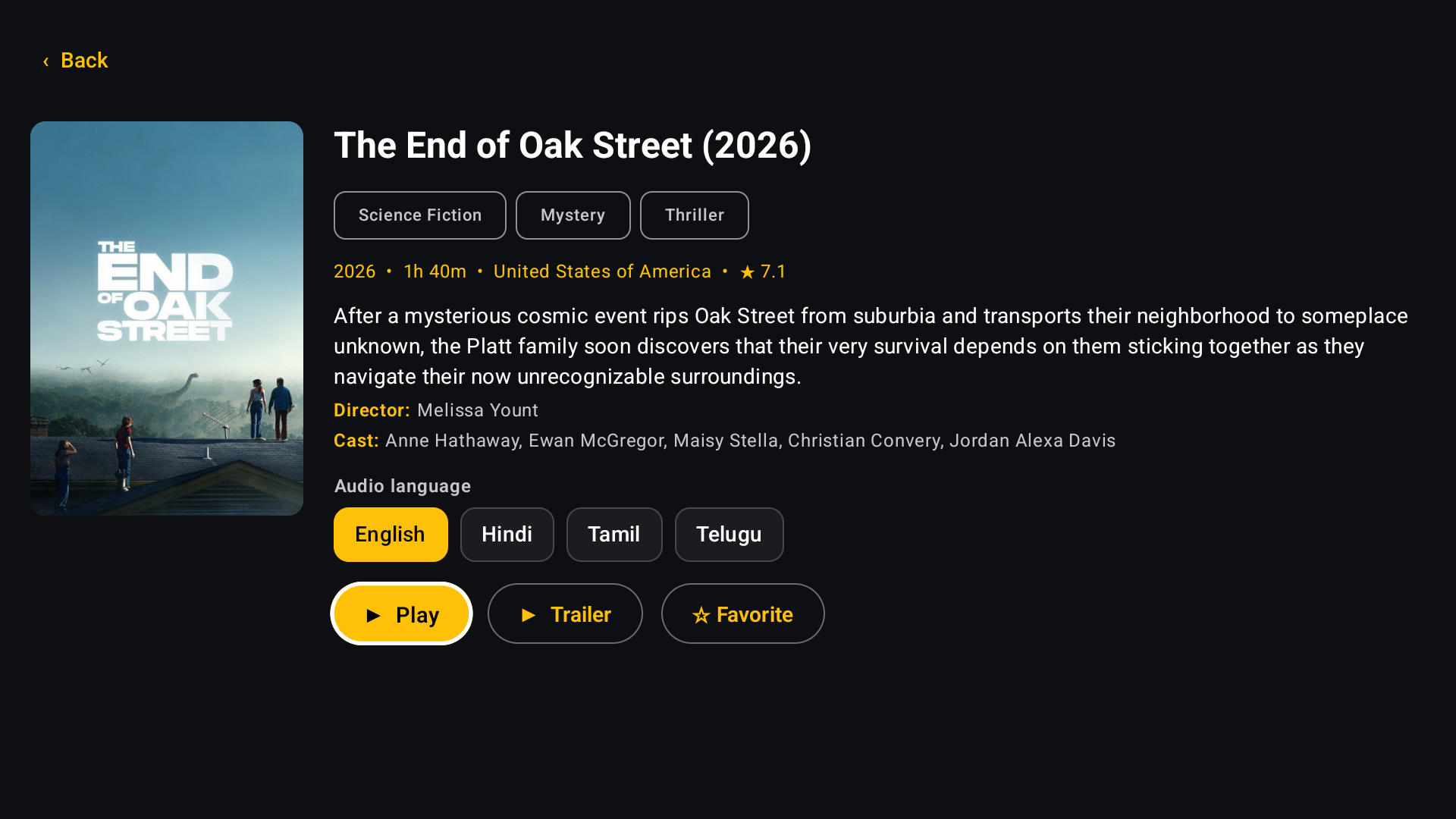
Details worth reading.
Every film and series gets a proper page, filled in quietly in the background.
- Rating, run time, country, age rating, plot, director and cast
- Backdrop art and a Trailer button
- Series show seasons and episodes in order from E1
- Opt-in: one request every two seconds, so your provider is never hammered
PERSONAL LIBRARY
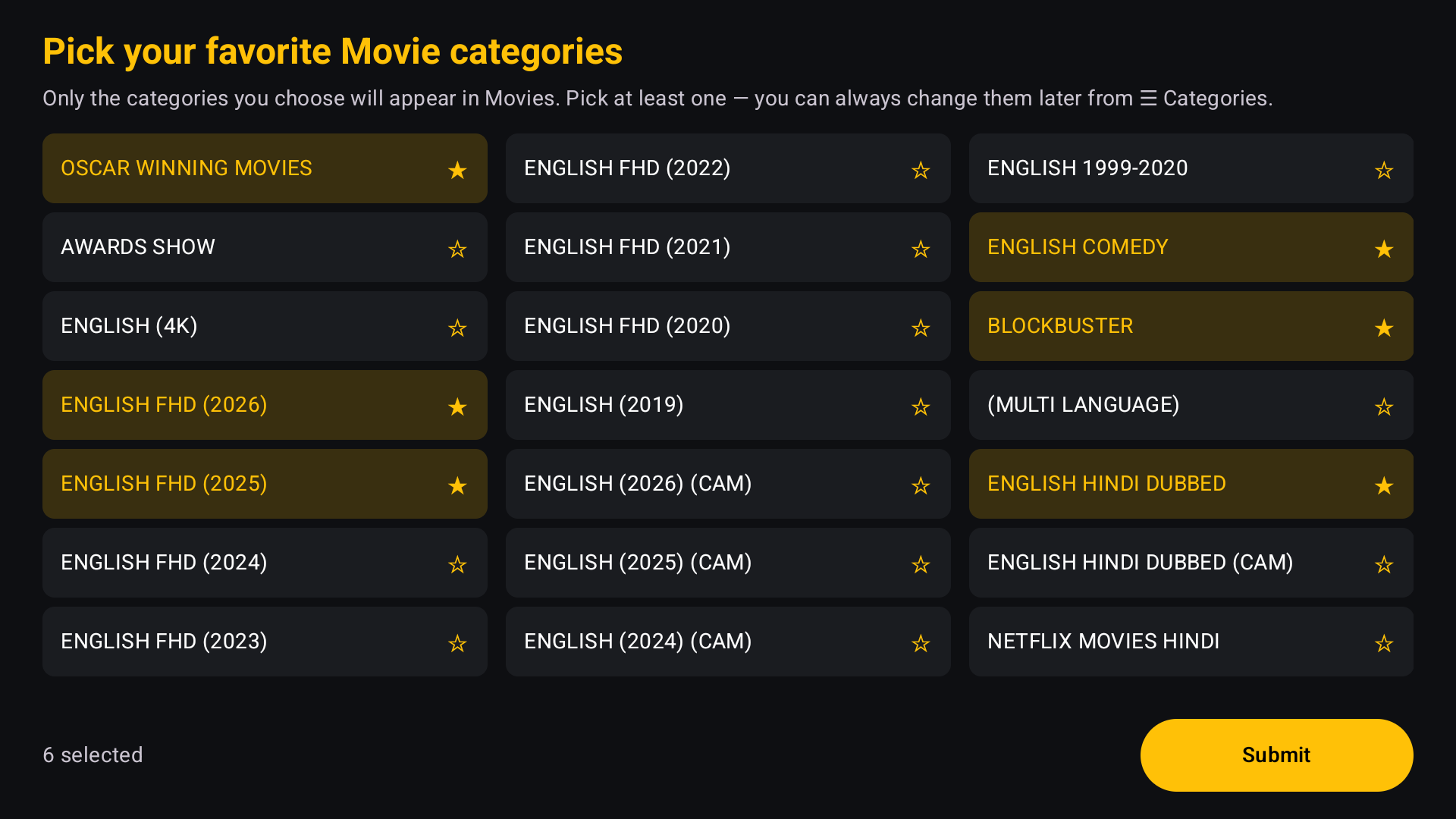
See only what you care about.
Providers carry thousands of categories. Pick yours on first launch and hide the rest.
- Choose movie and series categories on first launch
- Pin favourite categories and genres to your home page
- Change your choices any time from the Categories panel
PERFORMANCE
Fast, even with huge playlists.
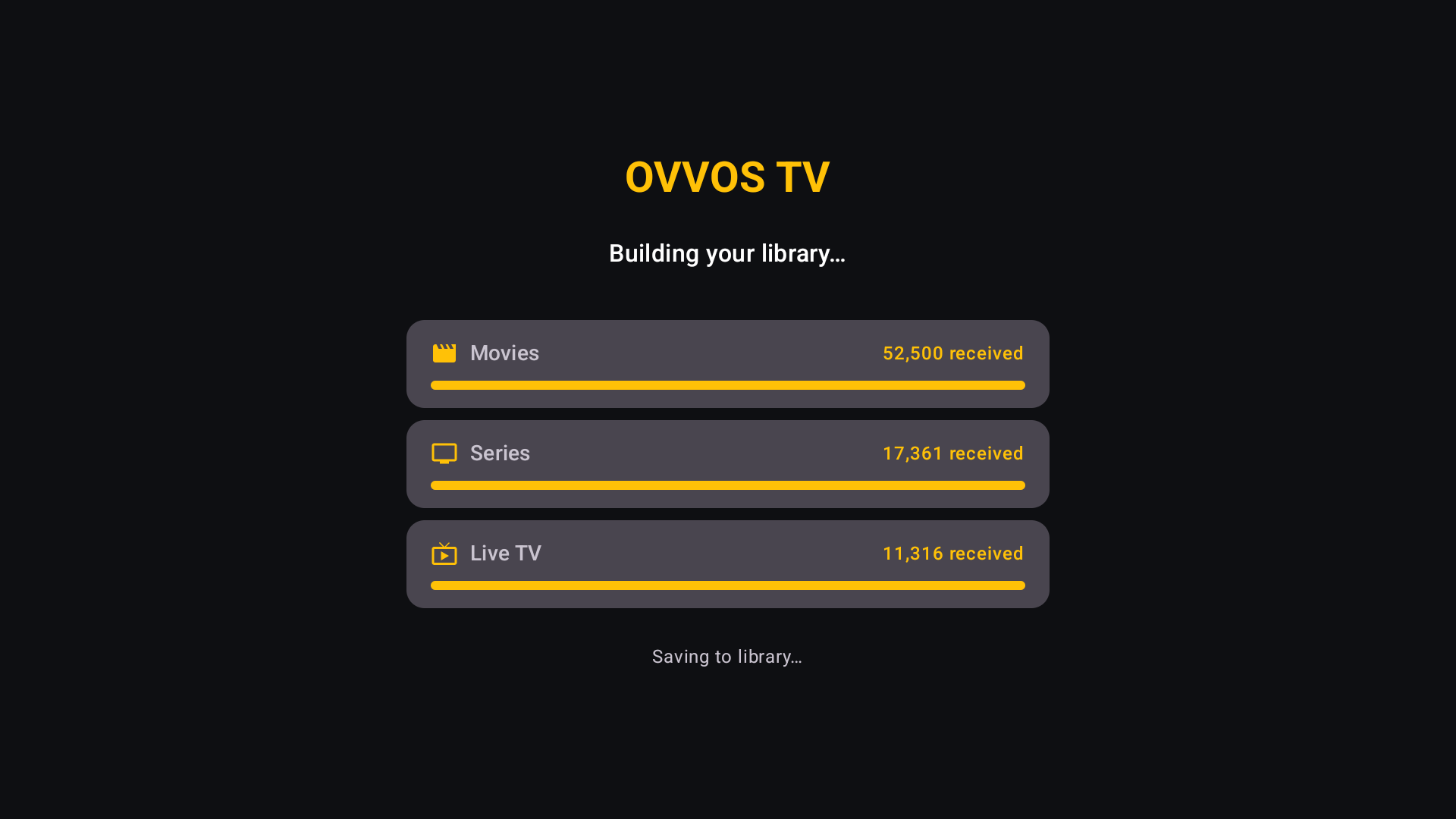
Your library is indexed on the device, so browsing and search never wait on the network.
- Whole library stored on the device after the first sync
- Posters downloaded once and kept, up to 2 GB
- Background refresh every six hours while you keep browsing
- Indexes only your categories, so 2 GB boxes stay smooth
FIND ANYTHING
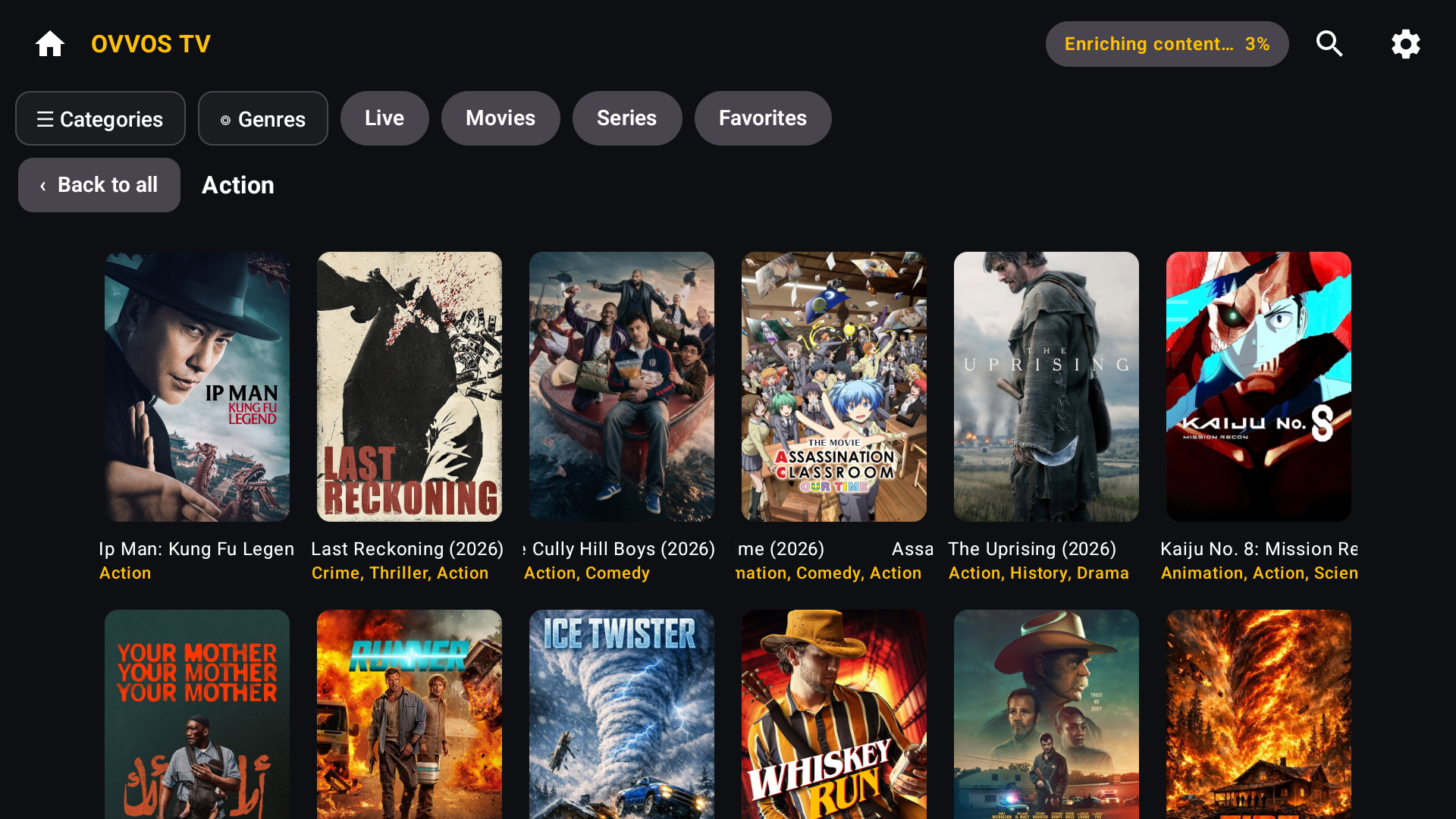
Instant search. Browse by genre.
One search across movies, series and live channels, with results as you type.
- Genre chips to filter results
- Searching "comedy" finds comedies even if the word isn't in the title
- Category and genre pages with no limits, 60 more at a time
LIVE TV
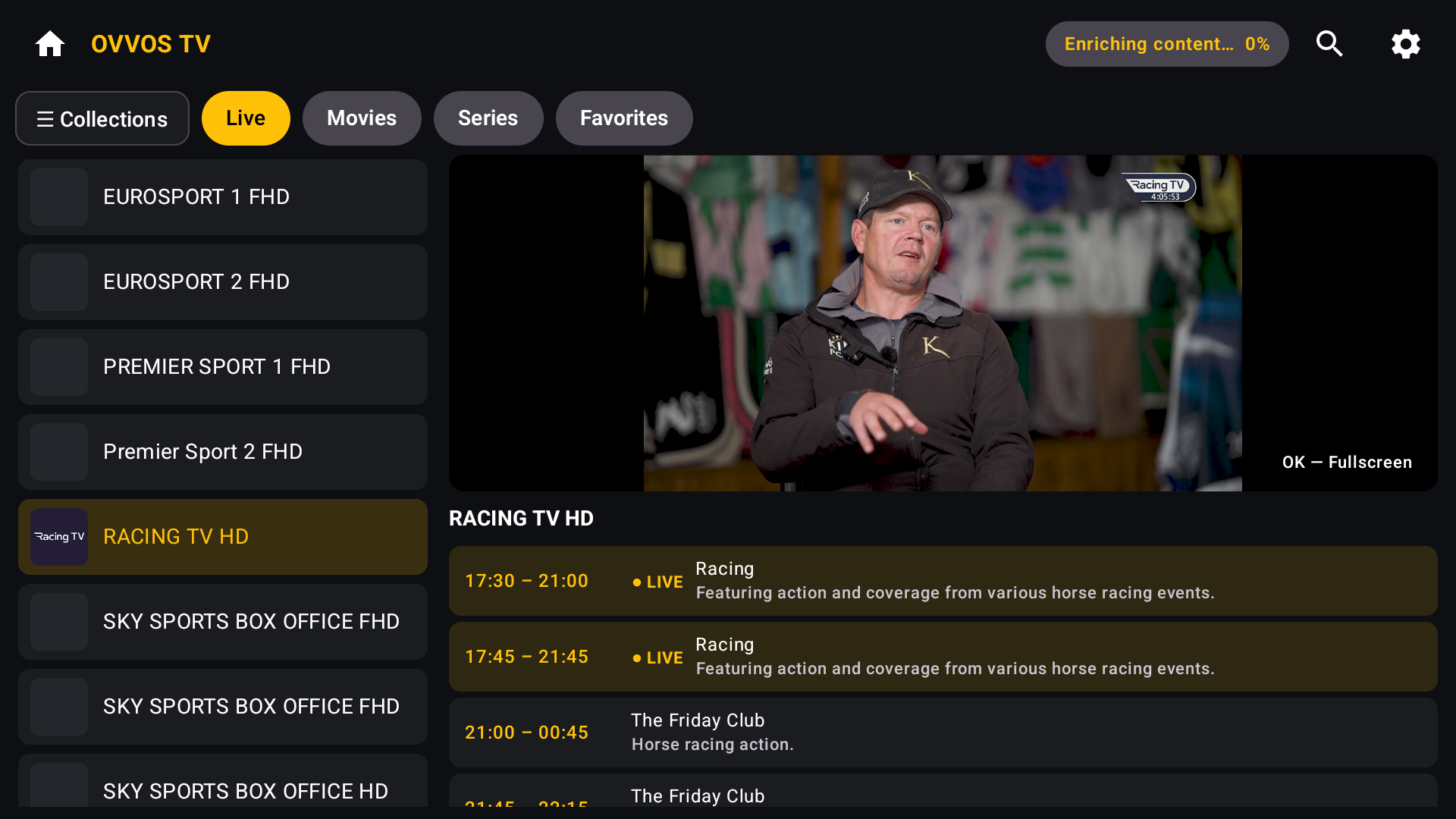
Live TV with a programme guide.
Channel list, live preview and guide side by side on TV and tablet; stacked on a phone.
- Now and next with start and end times; the current show marked ● LIVE
- Collections panel to jump between channel groups
- One press for fullscreen
PLAYBACK
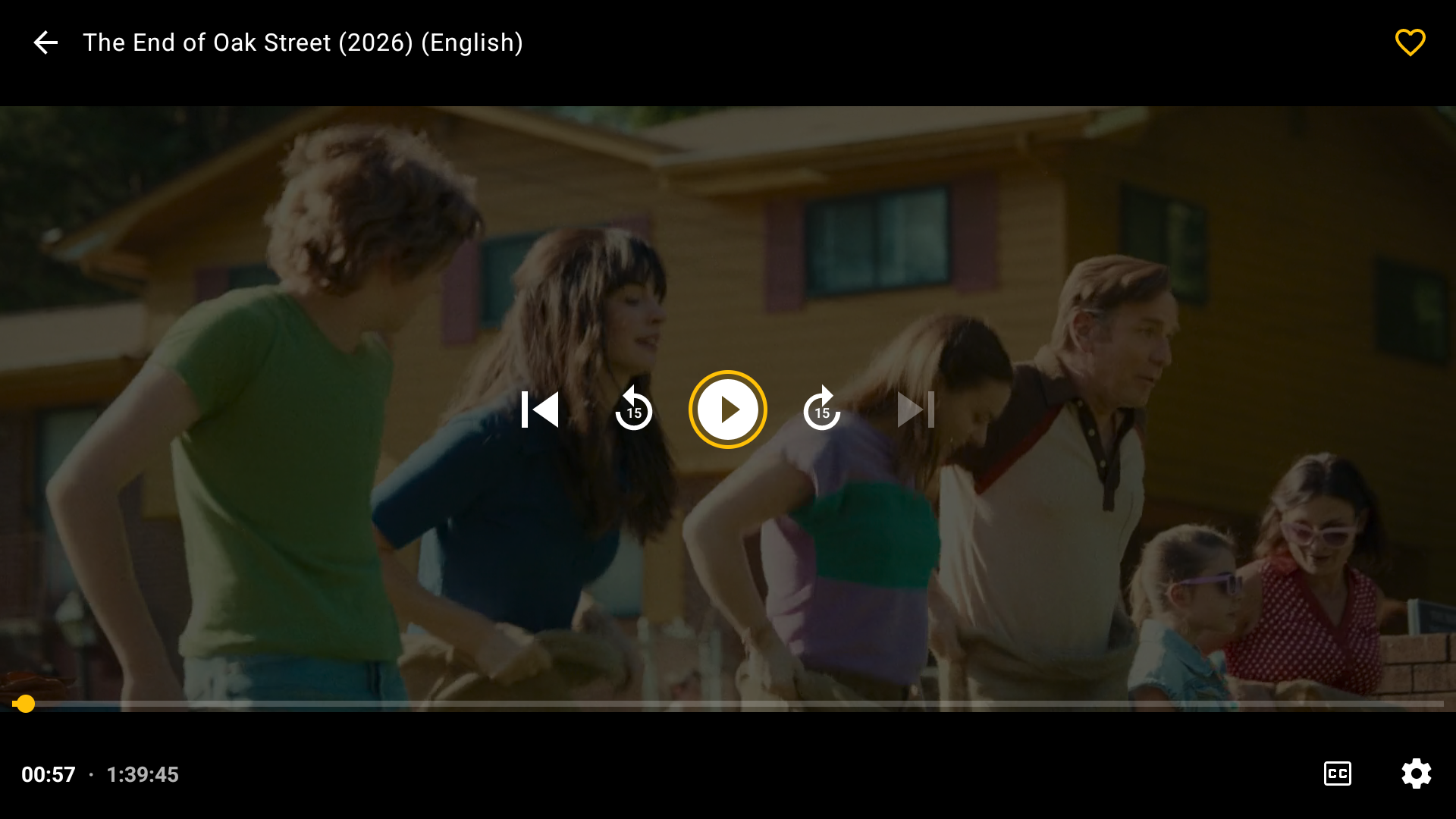
A player that behaves.
Resume where you left off, roll on to the next episode, and never freeze on a dead stream.
- OK pauses; 15-second skip and smooth fast-seek
- Audio and subtitle track pickers, subtitle size and colour, playback speed
- Clear message with a Try again button when a stream won't play
- Frees your provider connection the moment you leave
TV AND TOUCH
Built for the remote, and for touch.
A gold focus ring on everything on TV; touch layouts on phones and tablets.
- Back works on the first press on every screen
- Focus returns where you were when you close a page
- Portrait and landscape on phones, three-across grid
WORKS WITH YOUR PROVIDER
Xtream Codes, M3U and Stalker.
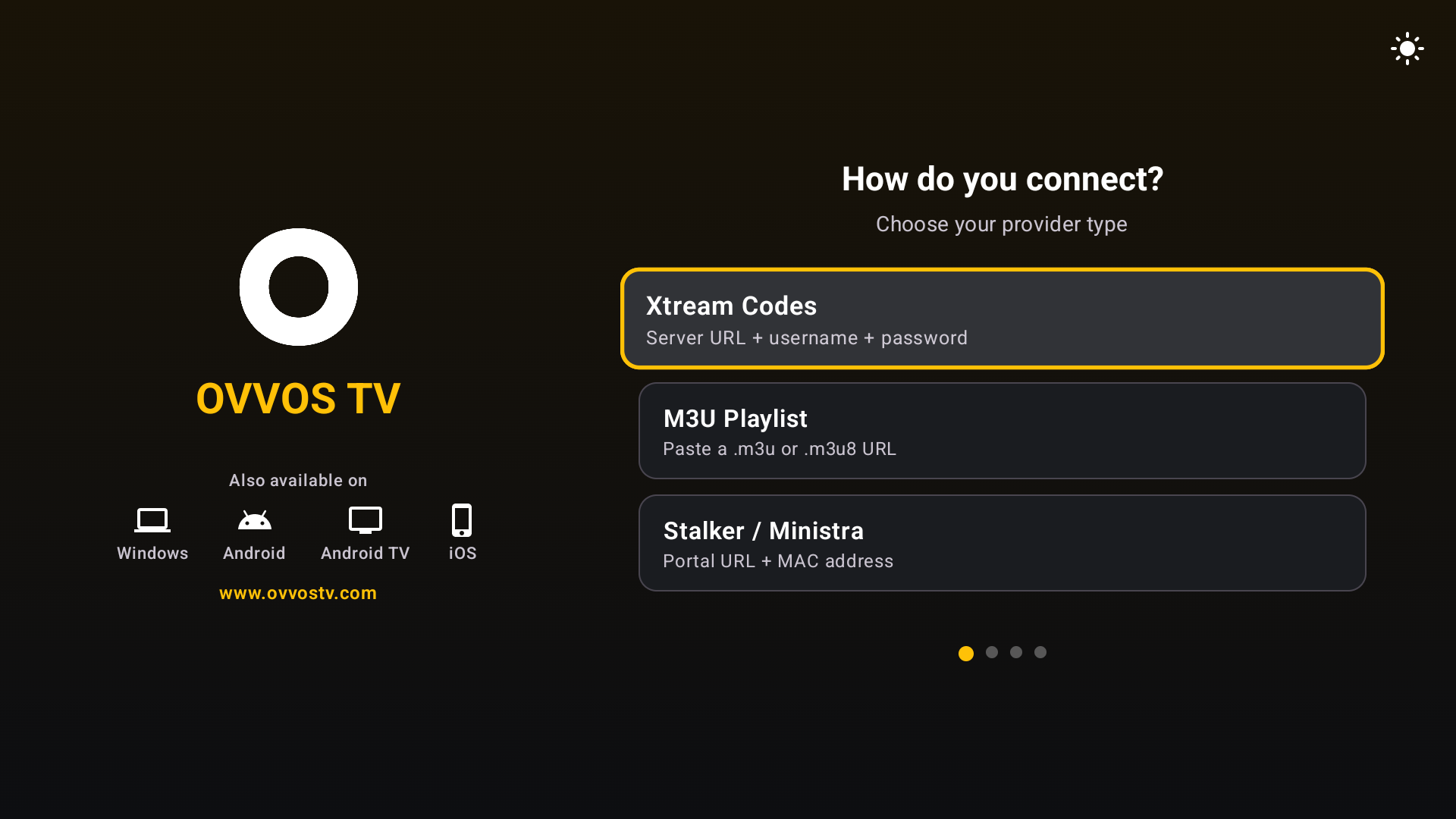
Sign in with the details your provider gave you, in three simple steps.
- Xtream Codes login, M3U and M3U8 playlists, Stalker / Ministra portals
- Fixes the common https-on-port-8080 sign-in mistake automatically
- Several providers on one device, each with its own favourites and history
- Copes with flaky providers without crashing
PICK UP WHERE YOU LEFT OFF
Favorites and Continue Watching.
Always know where you left off.
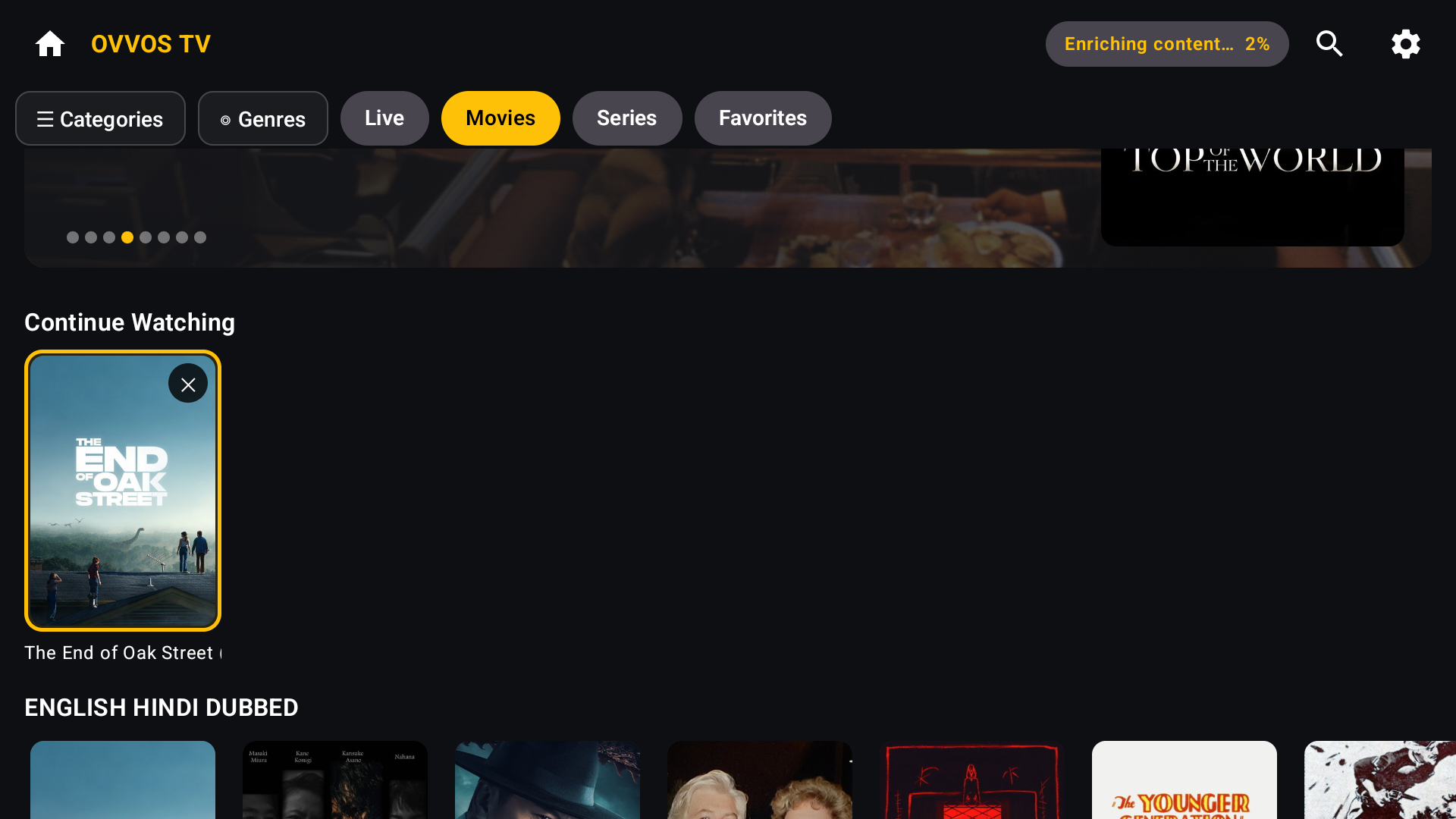
- Favorites for movies, series and channels, kept per provider
- Continue Watching row updated the moment you stop
- Remove an item with ✕
- Favourite folders — coming in the next release
PRIVATE BY DESIGN
No ads. No tracking.
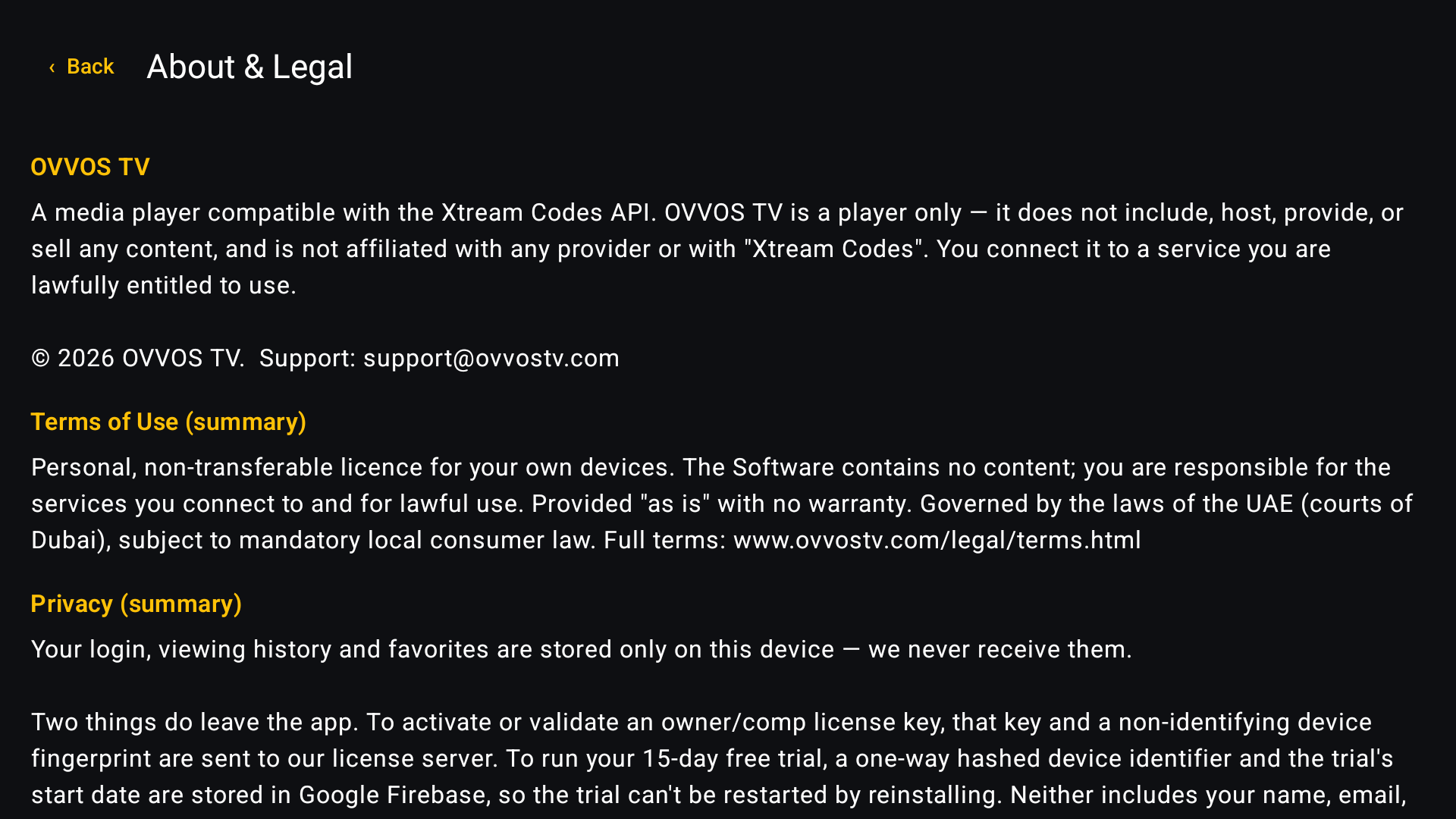
Your login, history and favourites stay on your device. OVVOS TV never receives them.
- No ads, no tracking, no analytics
- Trial check stores only a one-way scrambled device code and start date
- Payments handled entirely by Google Play
What's new
Try every feature free for 15 days.
No card, no sign-up. Then $19.99 a year on Google Play. Bring your own IPTV service.